
Job competency verification: Know who learned it. Know who can do it.
A completed course tells you someone sat through it. A skill check shows them doing the task. PortalBase keeps both on the worker's record and assigns the next one on its own.
Also calledCompetency tracking, Onboarding, Qualification tracking, Skills verification
Built from
The products this solution puts together.
The real screens
Build it from what you already have.
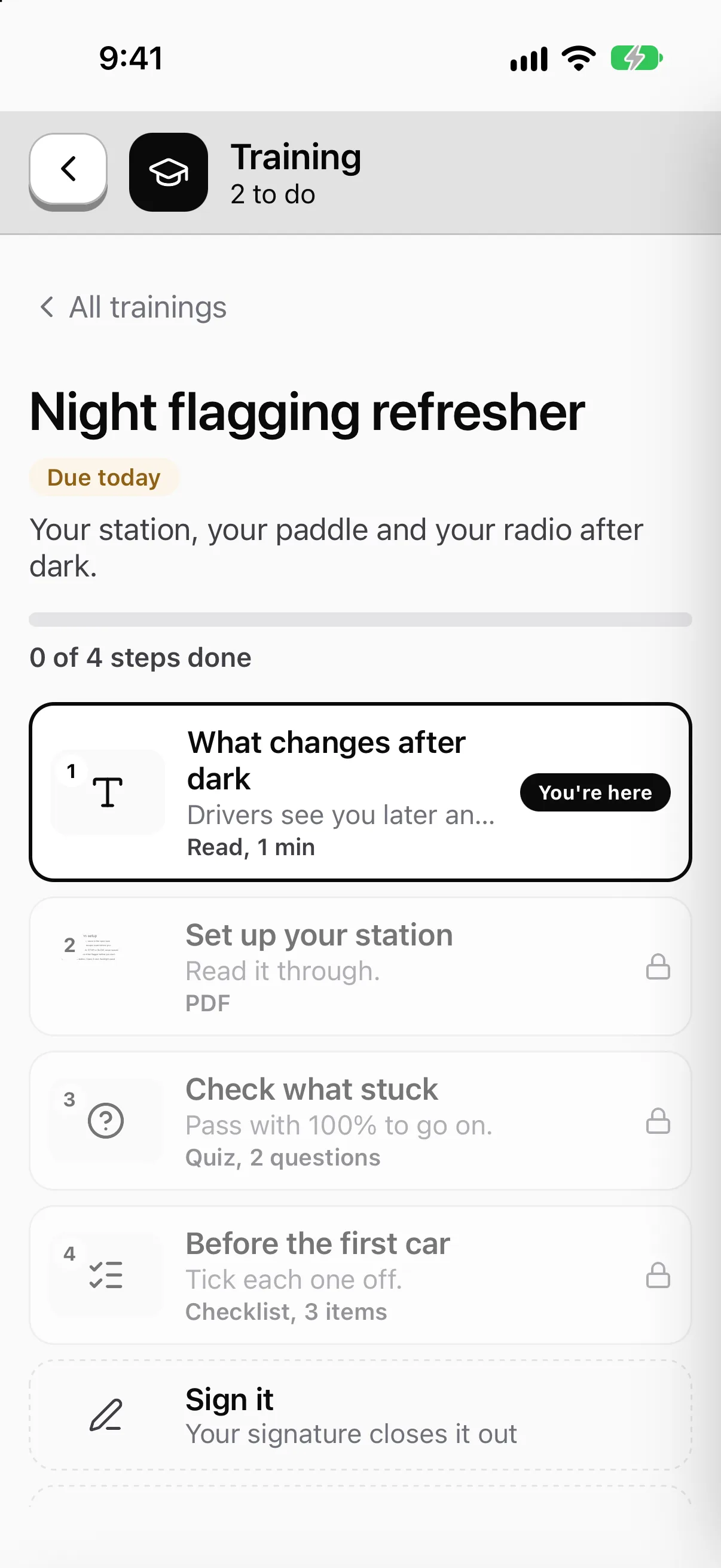
Videos, PDFs, quizzes, checklists and a signature at the end. Try it yourself before you publish it, then your crew takes it on the phone.

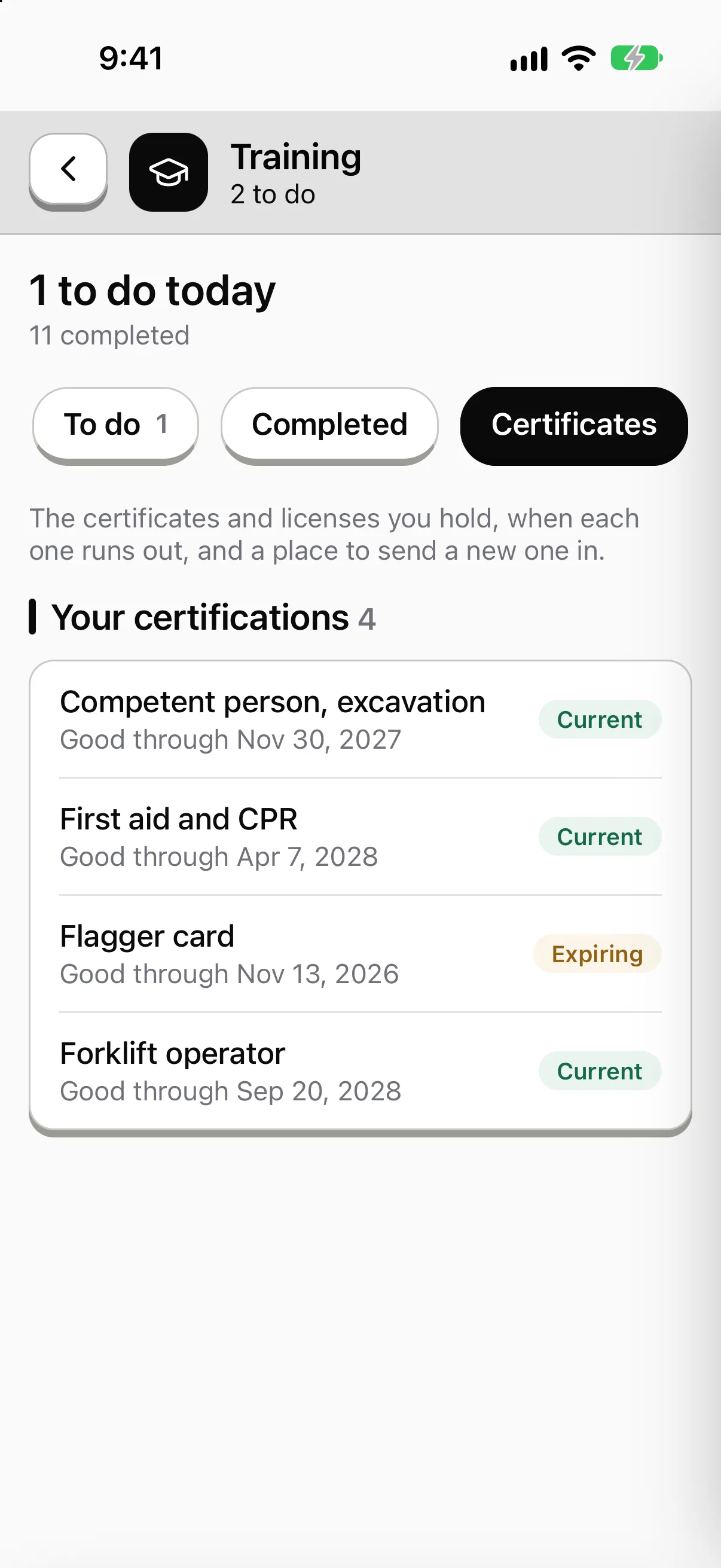
Know who holds what, and what's about to run out.
Every certification shows how many people hold it, how many are expiring and how many have run out. Each person carries theirs on the phone.

Know who has finished what.
One list for the sites you can see: who passed, who didn't, what's waiting for a sign-off and what's overdue. Export it when an auditor asks.

Sample data from our own demo company.
What the crew sees
The same app, pointed at this job.
Sample company and data, made up for the picture.
The problem on the ground
Training happens. Proof of it doesn't travel.
The new hire. Day one, someone remembers to send them the safety video. Day nine, nobody's sure they watched it.
The refresher. It's due every year. It lives in a spreadsheet that only one person opens.
The sign-off. The foreman says the new guy is fine on the lift. That's not written anywhere.
One record per worker. Courses, skill checks, signatures and certs sit on the same history, and you can export it.
What you build
Courses, then proof they can do the job
Courses. Build from video, PDFs, slides, SCORM packages, quizzes and checklists. Worker signs. A supervisor signs too where the course needs it.
Read more →Skill checks. Record a worker doing a task on video against your checklist. Each step gets Pass, Concern or Fail. Worker and observer both sign.
Read more →Learning paths. Courses in order, then the skill check. Use one for new hire onboarding and another for the annual refresh.
Certificates. Passing a course or a skill check can issue a certificate. It can expire and reassign itself.
New-hire onboarding
Day one, it's already assigned
Step 1
Hire date set
Training rules look at role, site, crew, department and hire date.
Step 2
Path lands
The new hire's phone shows the courses for their job, in order.
Step 3
Reminders go out
The worker and the supervisor both hear about anything overdue.
Step 4
Skill check
The foreman or the worker records the task on video, and both sign.
In the field
Built for a crew with no signal
- Offline. Videos, documents and quizzes download ahead of time. Answers save on the phone and sync when signal comes back.
- Their language. English and Spanish. Each worker picks their own, and an admin approves translations before they publish.
- Reviewable. A reviewer can watch a skill check later, comment and change a result. The change is logged.
- Not a replacement. PortalBase doesn't replace in-person or hands-on training where that's required. It records that it happened.
Training lead on one screen
Who's done it, who's late, who isn't current. By site, crew and role, with every number opening the records behind it.
Bring us your onboarding checklist
Send the list a new hire gets today. We'll show you how it becomes a learning path.
Book a walkthrough