
Mobile LMS for frontline workers: Training that follows the crew onto the site.
Build a course from the videos and PDFs you already have. Assign it by role, site or hire date. The worker finishes it on a phone with no signal, and the record syncs when the truck gets back in range.
Also calledLearning management system, LMS, Training software, Onboarding, Skill checks
Used in
The solutions that put this product to work.
The real screens
Build it from what you already have.
Videos, PDFs, quizzes, checklists and a signature at the end. Try it yourself before you publish it, then your crew takes it on the phone.

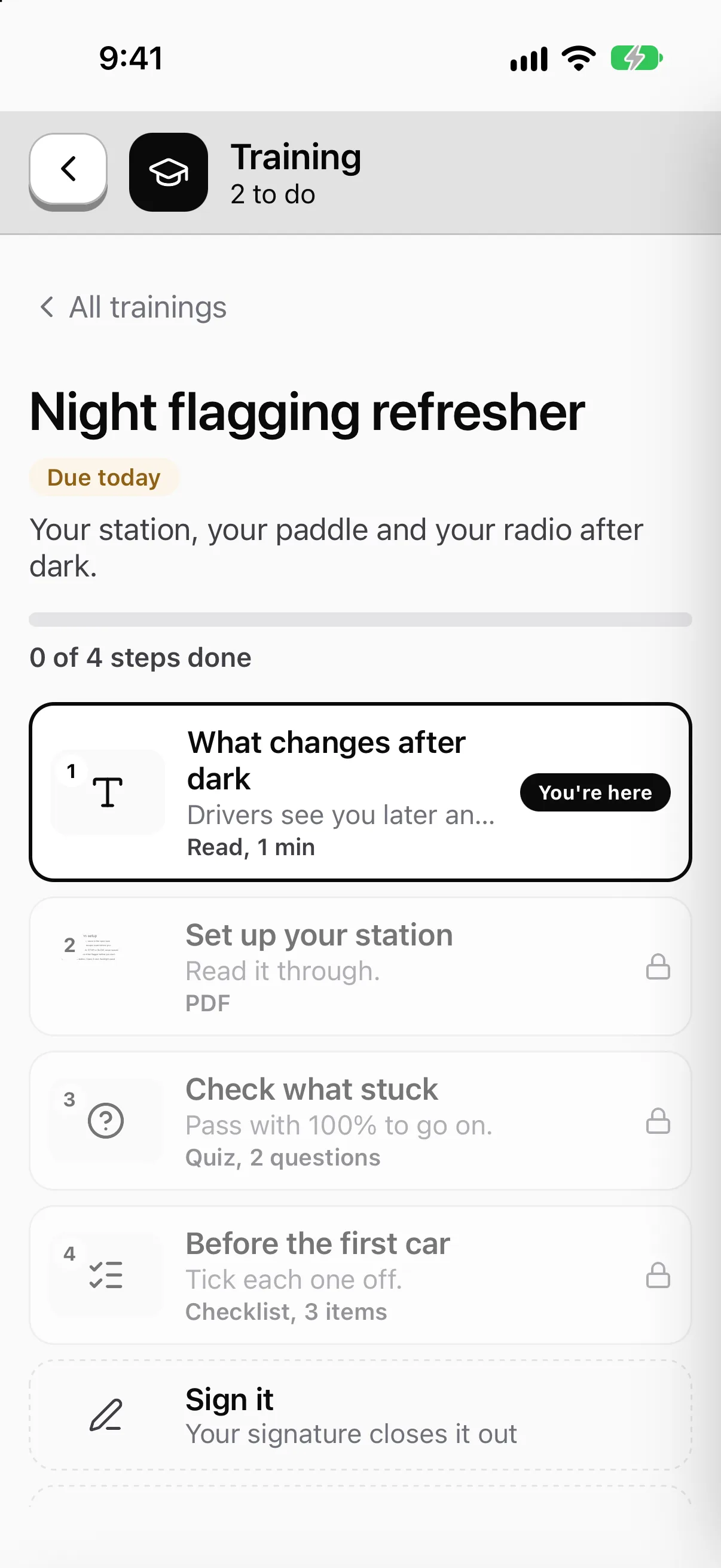
Bring your old courses with you.
Export a course from your old LMS as SCORM 1.2 or 2004 and drop in the .zip. Each lesson becomes a step, and each person's progress and score come with it.
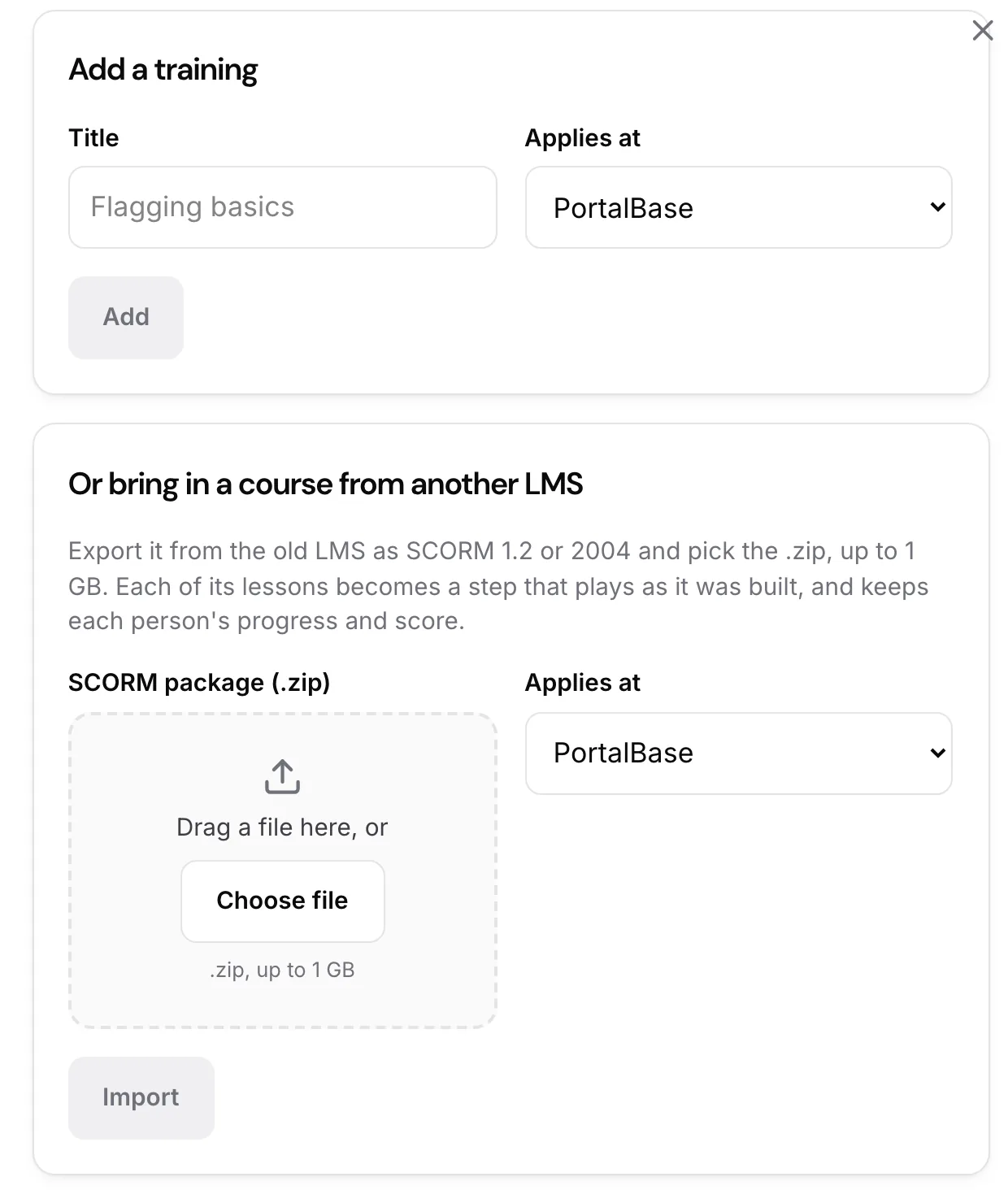
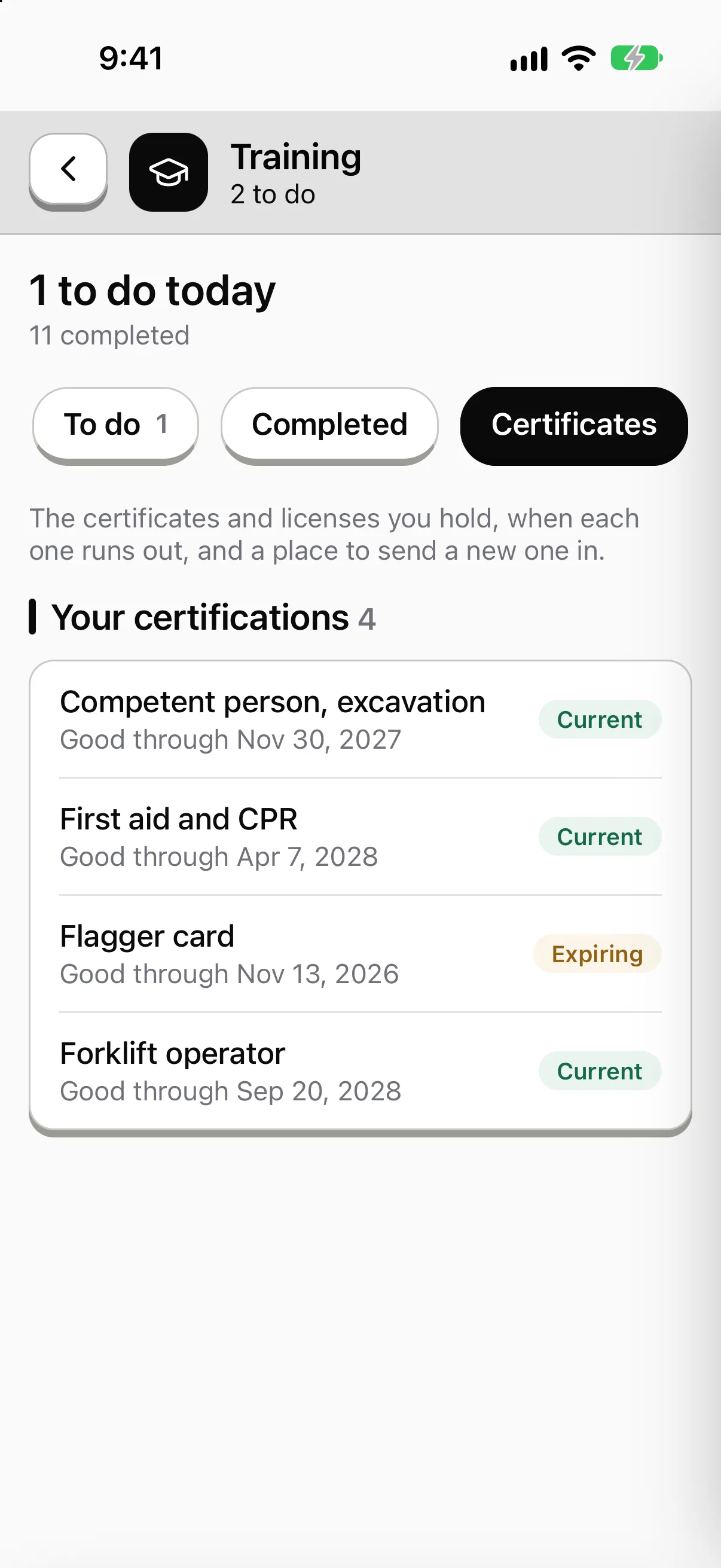
Know who holds what, and what's about to run out.
Every certification shows how many people hold it, how many are expiring and how many have run out. Each person carries theirs on the phone.

Know who has finished what.
One list for the sites you can see: who passed, who didn't, what's waiting for a sign-off and what's overdue. Export it when an auditor asks.

Sample data from our own demo company.
In the app
A course on the phone, even with no signal.
- 01Video, PDF and quiz in one lesson.
- 02The worker signs off. The supervisor too, where the course calls for it.
- 03Assigned by role, site or hire date.
Ladder and scaffold safety
3 lessons
Setup, tie-offs and the daily tag check.
- Setting up a ladderDone
- 2Reading a scaffold tagNot done
- 3Short quizNot done
Sample company and data, made up for the picture. Tap around.
Build
Courses from what you already have.
Video and PDFs. Drop in the toolbox talk video, the manufacturer's manual, the slide deck.
SCORM packages. Bring in courses you've already paid for.
Quizzes and checklists. End a lesson with a quiz. End a procedure with a checklist.
Sign-offs. The worker signs. Where the course calls for it, the supervisor signs too.
Assign
Nobody has to remember who needs what.
01
By role, site, crew and hire date
A new hire gets their training on day one. Nobody sends an email.
02
Recurring
Annual refreshers reassign themselves.
03
Due dates and reminders
The worker gets the reminder. When it goes overdue, the supervisor hears about it too.
Skill checks
Watch the work, not just the quiz.
A skill check records a worker doing a real task against a checklist you wrote.
Step 1
Pick the task
The checklist lists each step in order.
Step 2
Record it
Your company sets who films: the supervisor, the worker, or either.
Step 3
Mark each step
Pass, Concern or Fail. Worker and observer both sign.
Step 4
Review later
A reviewer can watch it, comment and change a result. The change is logged.
What it won't do
A record is not a replacement for the yard.
Hands-on training stays hands-on. Where a rule or your own policy requires someone in person, PortalBase doesn't replace that. It records that it happened.
Your admin approves everything. Training goes live when someone on your team publishes it.
Questions
- Does training work with no signal?
- Yes. Videos, documents and quizzes download ahead of time. Answers save on the phone the moment they're given and sync when signal returns. Admins can mark content as required offline.
- Can a skill check expire?
- Yes. It can expire and reassign itself. It can also issue a certificate when someone passes.
- Can I export a worker's training history?
- Yes. Every worker's history is exportable.
- What's on the roadmap?
- Interactive video with questions dropped in at chosen moments is on the roadmap. Building a course with AI is available today: it drafts the steps and questions from what you tell it, and your admin reviews and publishes it. Nothing publishes automatically.
Tell us what your crews have to be trained on.
Say what you run and we'll show you where it fits.
Book a walkthrough