
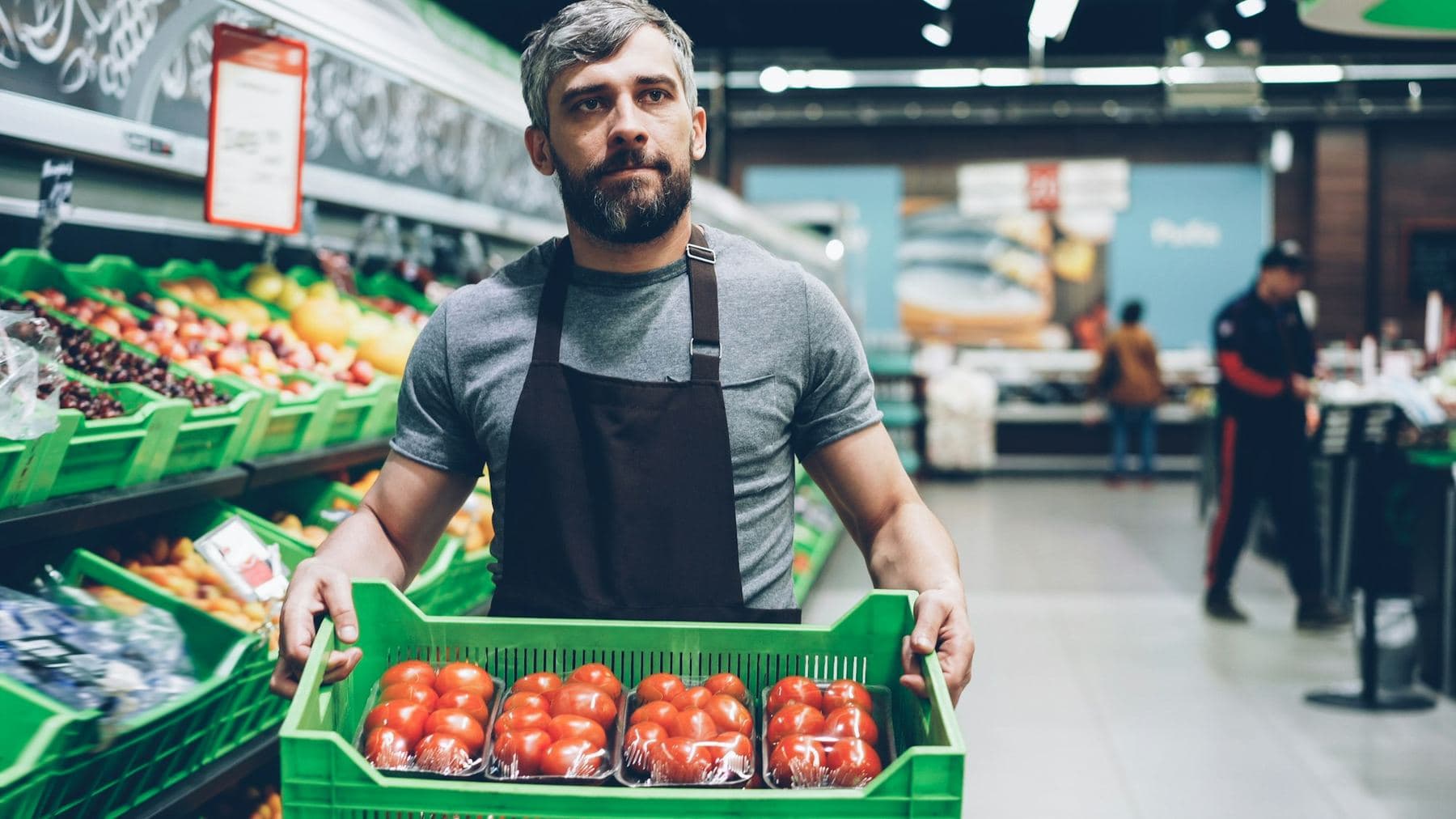
Retail store checklist app: The cooler log gets filled out at the cooler, not at the end of the shift from memory.
PortalBase puts the opening checklist, the temperature log, the spill report and the new-hire training on the associate's phone. The backroom and the walk-in don't get signal. It all saves on the phone and syncs when the associate walks back out to the floor.
The real screens
The dock walk, store by store.
Walk the dock, answer the check for each machine and write down the hour meter. A store manager sees it as soon as it sends.

Food safety and forklift cards, in one list.
Food handler, food protection manager, pallet jack and forklift cards. See who holds each, who expires within 30 days and who has run out.

What the stores have to do today.
Give the day's checks and tasks to a person, a department or a role. A worker opens their list on the phone, with no company email needed.

Shown in Fernhollow Market, a made-up company. No real business.
In the app
What a retail and grocery crew opens first.
Today’s tasks, the training that’s due, the checks and the forms. The tiles and the work are set up for Larkfield Market, a made-up company. Yours would be set up for your crews.
Try it yourself Larkfield Market

Nadia Rahman
Store manager. Store 14
Sample company and data, made up for the picture. Tap around.
What gets checked
The store work a district manager can't see from the office
Cooler, freezer and hot case temps. Scan the code on the unit and the right log opens. Type the reading, add a photo of the thermometer. An out-of-range reading opens a corrective action with an owner.
Read more →Opening and closing checklists. Doors, registers, safe count, lights, the fire exit clear. Each step is Pass, Concern or Fail, and the closer signs.
Read more →Spill and slip reports. An associate finds a spill, snaps a photo and files it in a minute. The department lead gets it, and the cleanup gets an owner and a time.
Read more →Backroom and receiving walks. Pallets stacked safe, aisles clear, the dock plate and the box cutters checked. Fails go to the receiving lead.
Read more →The paperwork
What your leads fill out today
01
Temperature log. Unit, time, reading, who took it. Perishables checks run on a schedule, and a missed one shows up on the lead's list.
02
Opening and closing checklist. One template, a version per store. The last person out signs it, and the manager can open any day's record.
03
Seasonal hire onboarding. A short course on the floor rules, the box cutter, the lift and the spill procedure. A quiz at the end and a sign-off from the lead.
04
Shift task list. Stock the endcap, face the dairy, clear the truck. Each task has an owner and a done button.
Signal and staff
The walk-in has no bars. The seasonal hire has no company email.
In the back
Walk-in coolers, the backroom, the dock, the stockroom behind two walls. The checklists and logs are already on the phone. Photos upload later, in the background.
On the team
Part-timers, stockers, a December hire who starts Monday. Sign them in by text code, employee ID and PIN, or QR badge on the tablet in the break room. Each record carries the person, not the device.
Across the stores
The district manager sees every store on one screen. Which ones logged temps, which ones closed out, which ones have a Fail open. Every number opens the records behind it.
A day on one shift
From the open to the close
Step 1
Before the doors open.
The opener runs the checklist. Temps in the coolers get logged. Anything out of range opens a corrective action.
Step 2
On the floor.
Tasks come from the department lead. A spill gets reported with a photo. Receiving walks the dock when the truck lands.
Step 3
At the close.
The closer runs the closing checklist, logs the last temps and signs. Open items stay on tomorrow's list.
Step 4
In the district office.
The district manager sees which stores finished their logs and which didn't, then opens the record behind any number.
Straight answers
- Can seasonal hires use it without a company email?
- Yes. They sign in by text code, by employee ID and PIN, or by QR badge on a shared tablet. The company picks which.
- Do temperature logs still work in a walk-in with no signal?
- Yes. The log saves on the phone and syncs when the associate is back on signal. The time on the reading is the time it was taken.
- Does it make a store compliant?
- No. It records and organizes the evidence: who took the reading, when, what it said, and what was done about it. Your rules and the rules of the agencies that apply to you still decide what compliant means.
Free tools and talks for this field
Free tool
Scissor lift checklist
A pre-use check for scissor lifts, with the function test and the work area
Free tool
Training attendance sheet
A sign-in sheet for any class or training, in English and Spanish
Free tool
Food temperature log
Cold holding, hot holding and cooling logs for a kitchen or deli
Free tool
Forklift evaluation and card maker
Print an operator evaluation and a wallet card, in English or Spanish
Tell us how your stores run.
Send us your opening checklist and your temp log. We'll show you what they look like on an associate's phone.
Book a walkthrough